Publish, Stage & Draft
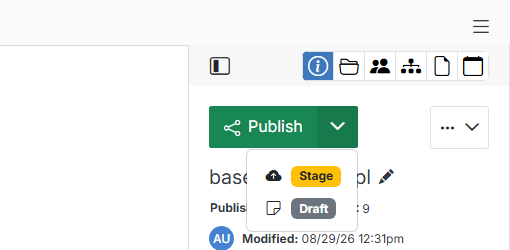
Every file has one workflow-status button in the top right of the code editor. Click the caret next to the workflow-status button to switch which status your changes are saved as.
 v 11.11
Every file has one workflow-status button in the top right of the code editor. Click the caret next to the workflow-status button to switch which status your changes are saved as.
