
v 11.8
  • Solodev Home
Powered by
  1. Welcome
  2. Websites
  3. File Overview
  4. Replace File

Replace File

Overwrite a file's content by uploading a new one from your computer, without changing its name or location. From an open file, click the folder icon in the icon row above Publish.
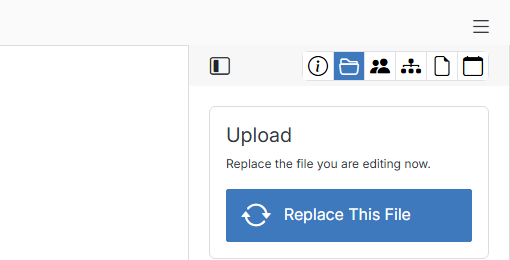
Upload panel to replace a file

Click Replace This File and choose a file from your computer to upload in place of the current content.

See also

File Overview

Under web files, you can update folders or open a specific file to edit it with the code editor. This includes template files (.tpl), config files, package.json, form assets, and other components that power your website's structure.

Page Overview

In Solodev, you can update any page on your website under the www folder. You can build a page from scratch using a layout template and a drag-and-drop

Previous File History
Next Tasks

© Copyright 2026. All rights reserved.