
Upload
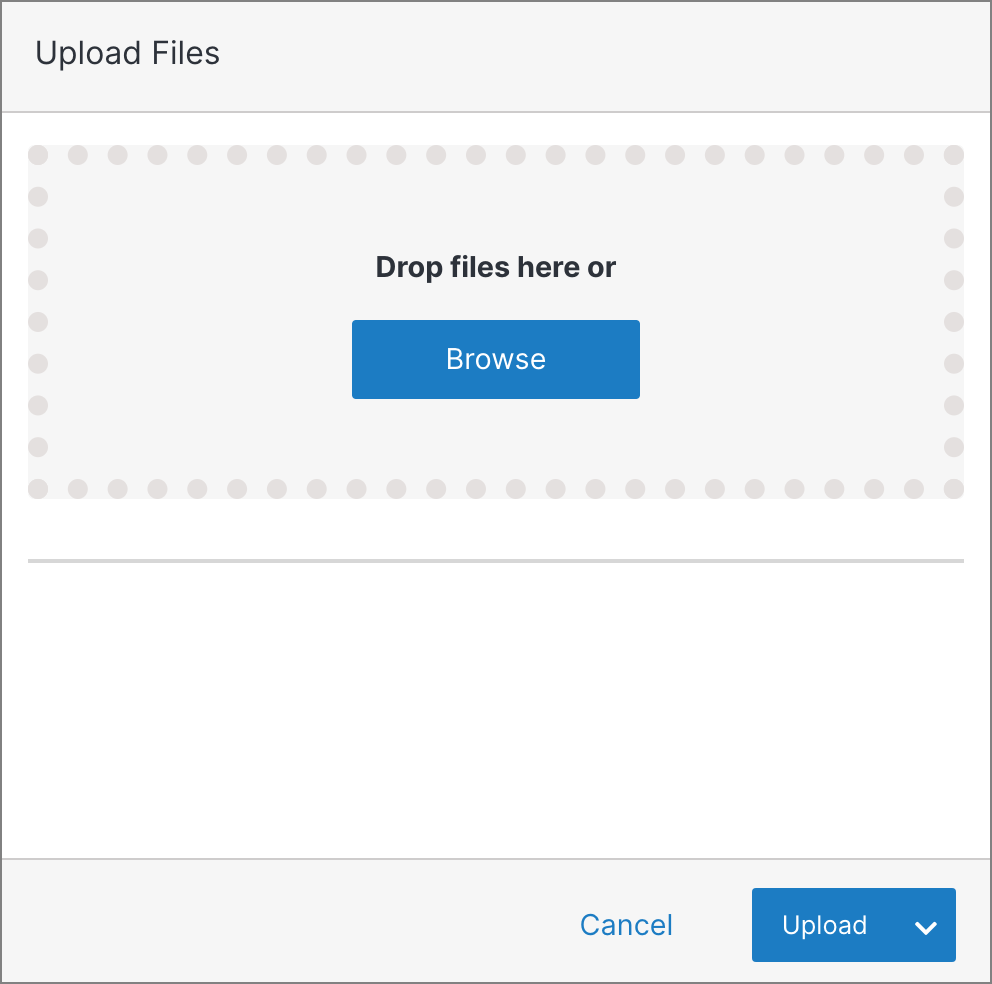
To upload files to a folder from your computer, click Upload. You can drag and drop multiple files, or upload a single file at a time by clicking Browse.
Note:
A file shown in red already exists in the system and will be overwritten by the new file. Click Submit twice to proceed, or click X to remove the file.