
Folder Overview
Folders are built in a nested tree hierarchy and serve as containers for all Solodev resources, including files and folders for the website(s). Modify and customize folders to suit your needs. A folder can be used as a company intranet document repository or to store HTML, TPL, and STML files destined for the web.
Click into the web files or www folder from a website's Website Overview to manage its contents: add pages, files, and subfolders, upload assets, and set permissions.
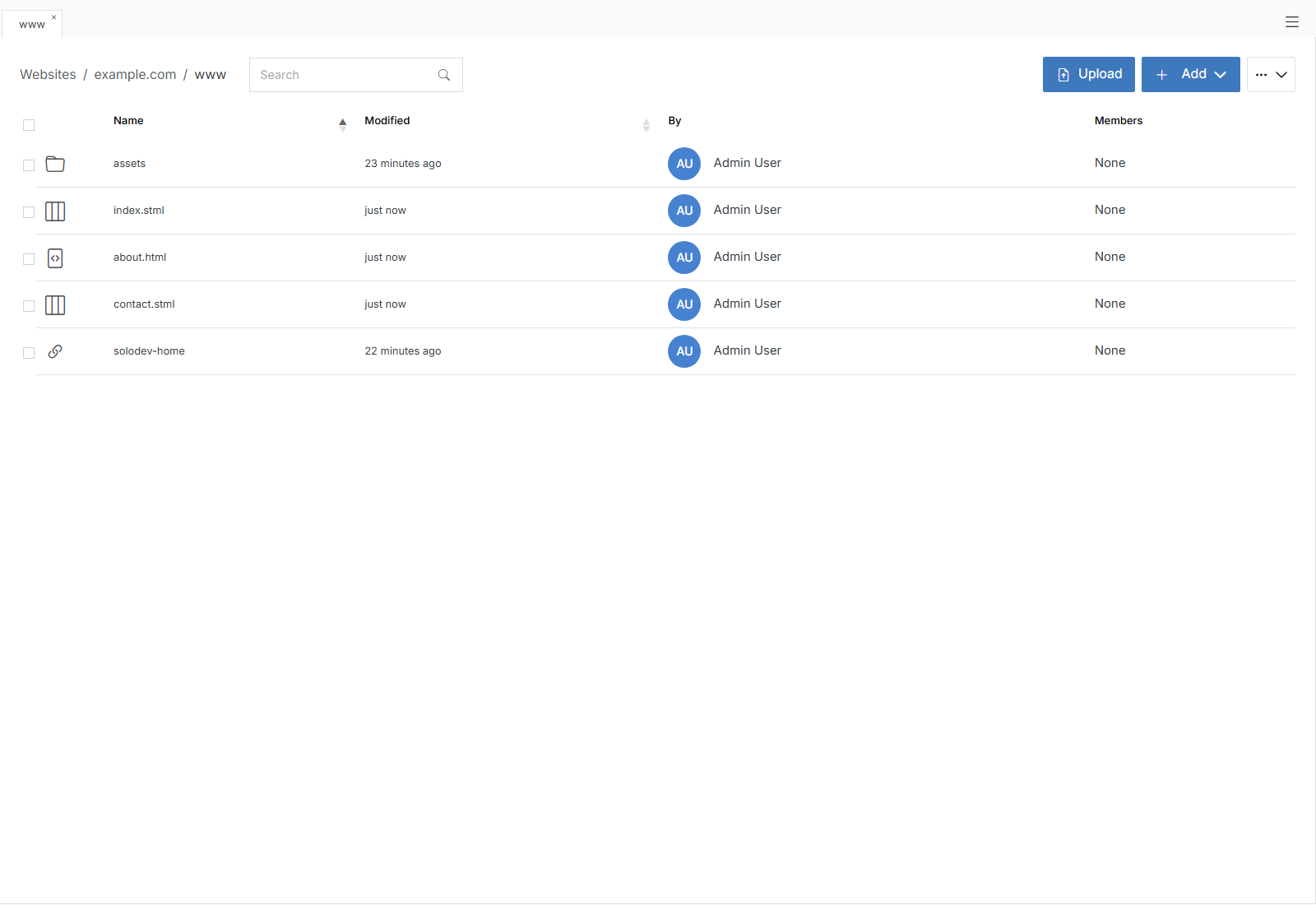
Upload and + Add sit directly in the folder's toolbar. Click the ... menu next to them for the rest:
Note
For information on File Groups, Experiments, and Scheduler, please refer to Engage.
Members
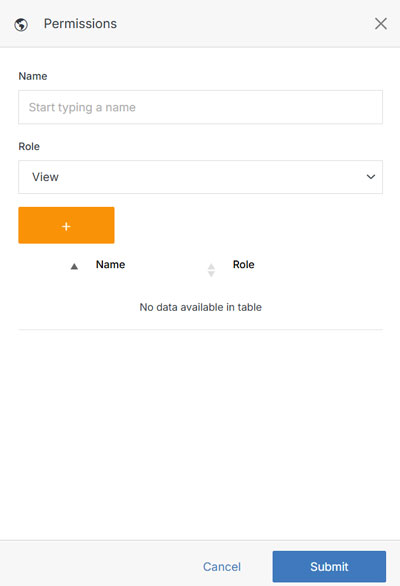
Manage the folder access permissions for users and groups.
Note:
A group or group member can be assigned one of four roles in Solodev CMS:
- View: Allows a member to see items and content.
- Stager: Enables a member to create or modify content but not publish.
- Editor: Gives a member the ability to view, create, edit, and publish.
- Admin: Provides complete editorial control and management of group members.