
Permissions
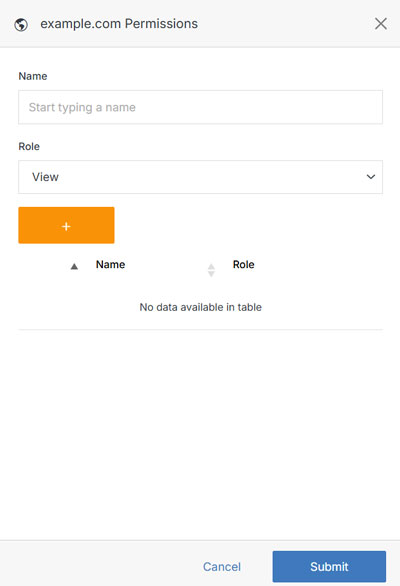
Permissions is a powerful tool that allows you to manage access for users and groups. You can manage existing permissions by changing group roles or removing permission entirely.
From the website dashboard, open the Update dropdown menu and select Permissions.
Note:
A group or group member can be assigned one of four roles in Solodev CMS:
- View: Allows a member to see items and content.
- Stager: Enables a member to create or modify content but not publish.
- Editor: Gives a member the ability to view, create, edit, and publish.
- Admin: Provides complete editorial control and management of group members.