
Components
Insert a saved, reusable group of components — a bundle of elements you've saved together for reuse across pages, rather than rebuilding them each time.

While editing a page, find the vertical icon rail on the left edge of the page canvas. Components is the second icon from the top.
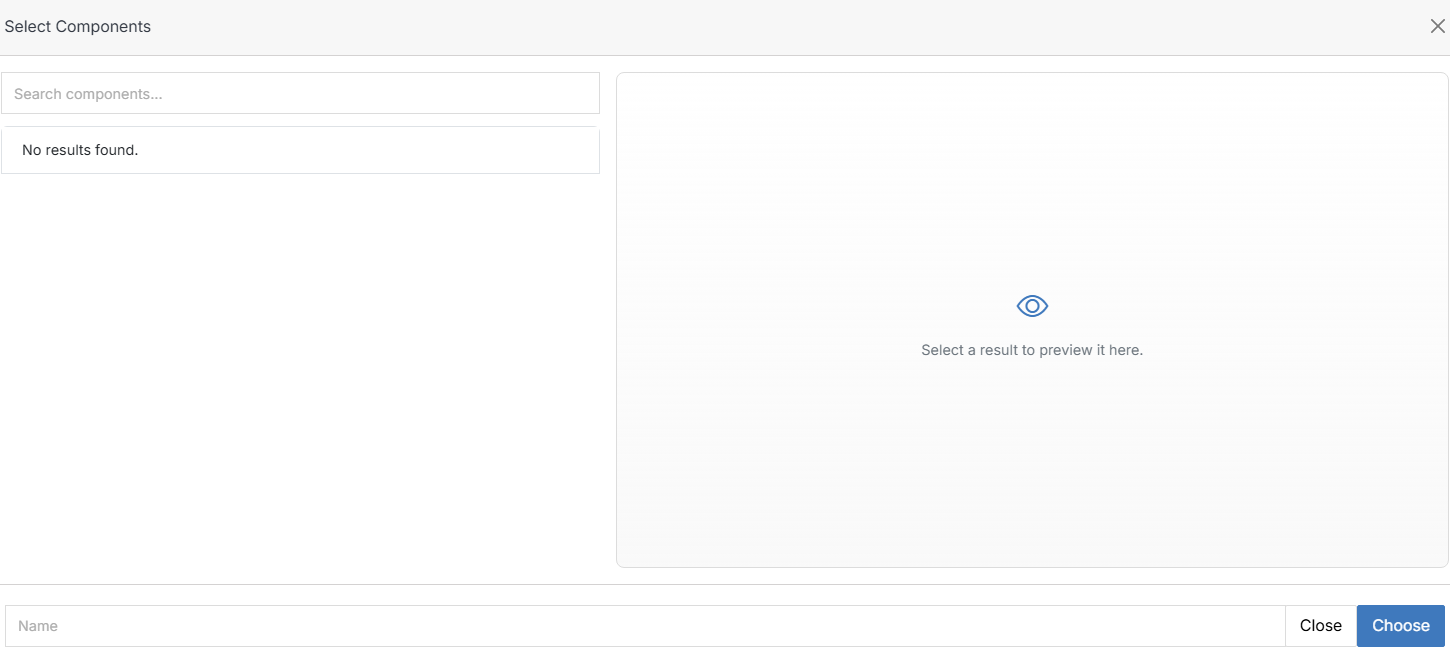
Drag it onto an empty region of the canvas. This opens Select Components.
Note:
If the modal is empty, no component groups have been saved for this website yet.
Note:
When dragging elements into the content area, make sure the Dynamic Div where you want to place the element is selected. The selected Dynamic Div will be highlighted in light blue.