
Copy Page
Duplicate a page, optionally into a different folder.
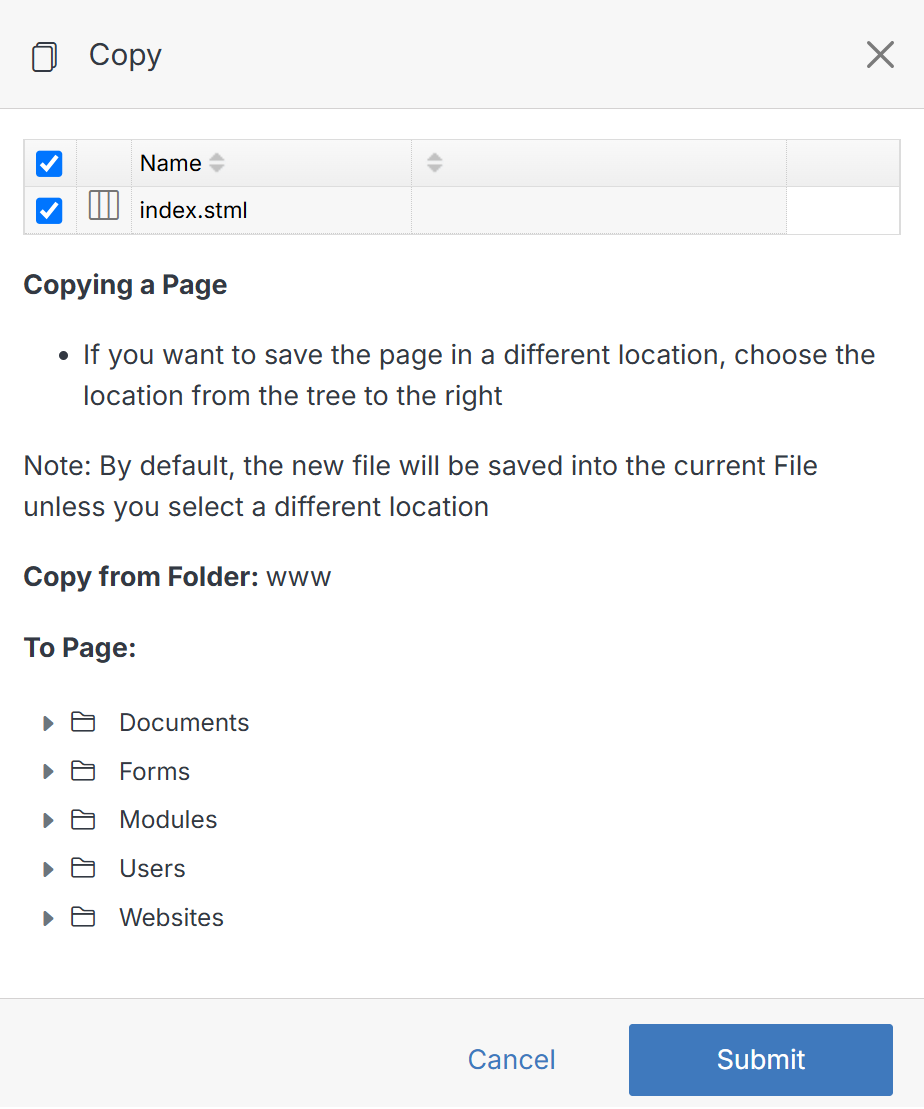
From an open page, click the ... menu next to Publish, then click Copy.
Note:
To rename the page being copied, double-click the page name. Enter the new name and click Save. Make sure the checkbox is selected before submitting.
