
Form Overview
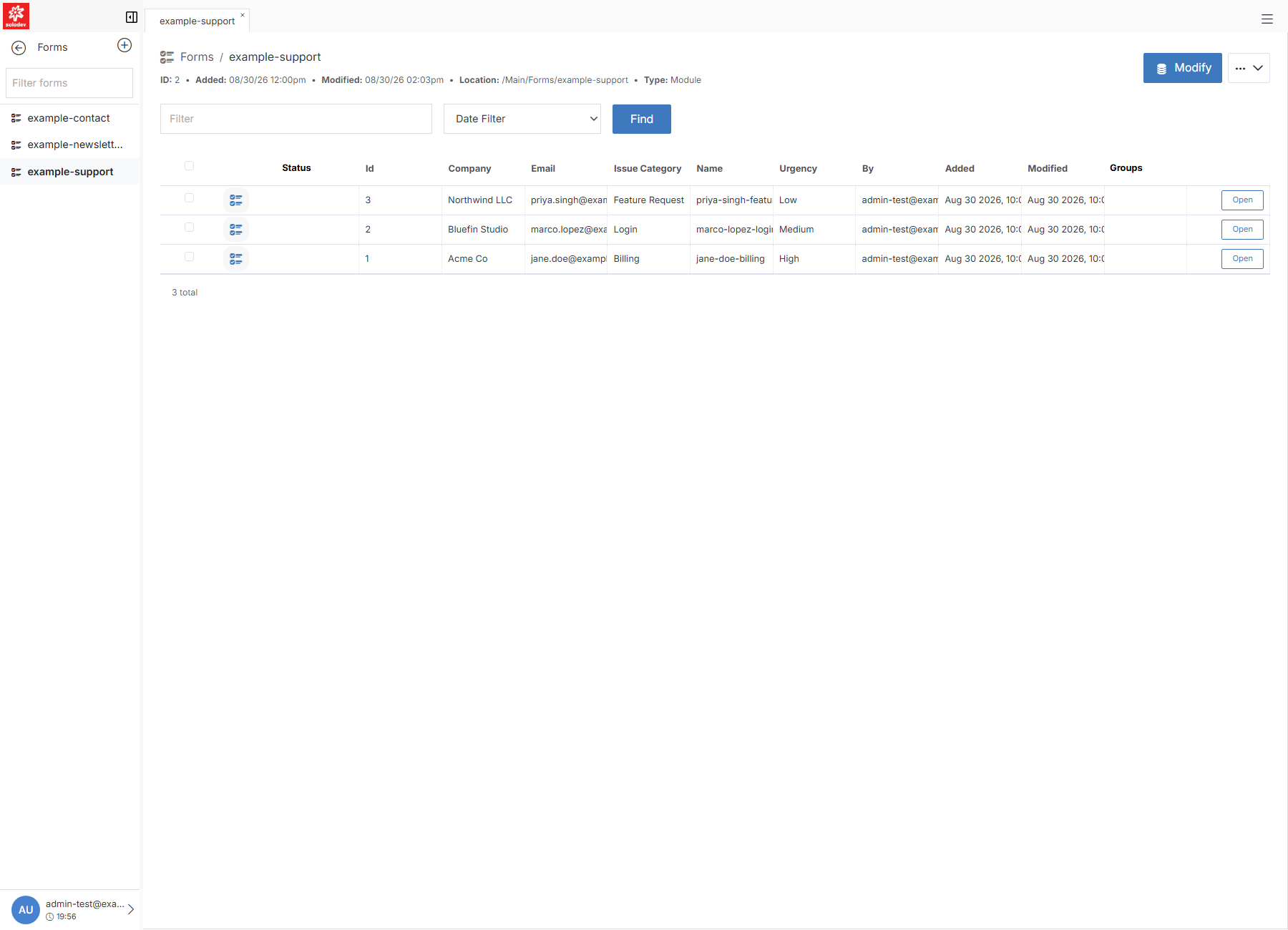
A form's overview page, where you review submissions and manage the form itself. Click a form's name from Forms to open it. The columns shown depend on the form's type — a Module Form shows its own schema fields (Company, Email, Issue Category, and so on below); a Contact Form shows the standard Contact fields.
Note:
On some forms, Add Entry may not appear in the toolbar even though the form has submissions and Import/Export still work — this looks like a permissions edge case tied to how the form was created rather than anything about its type or schema. If you hit it, use Import with a CSV as a workaround.