
Forms
A form collects information from website visitors — a newsletter signup, a contact request, an event RSVP — and stores each submission as an entry you can review later. Every form is one of two types, chosen when you add it:
Contact Form
Submissions save as a Contact using the CMS's fixed, built-in schema. This is what the Type dropdown shows first.
Module Form
Submissions save to a custom module with a schema you design yourself. This is the familiar, longer-standing pattern most users already know.
Note:
Module Form is still what most users should reach for. One thing worth knowing either way: every Module Form creates its own one-off database table, and over time that can produce a sprawl of scattered, inconsistently-governed tables, especially if those tables end up holding personal information (names, emails, phone numbers) outside the centralized Contacts model. Contact Form avoids that specific problem by writing into the one shared Contacts table instead. If you want Module Form's flexible, self-designed schema and the centralized Contacts table, turn on Sync entries to CMS Contacts when you add the form (or later, in Modify) — it maps whatever field names you chose to the standard Contact fields, so entries land in both places.
The Forms dashboard lists every form in your Solodev CMS, along with its location and members.
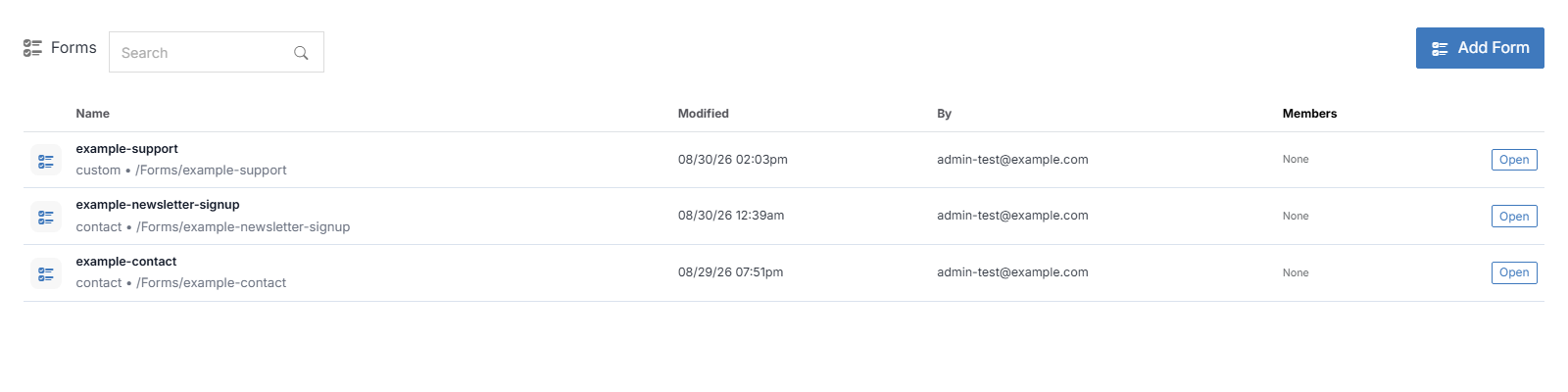
Click a form's name to open it and manage its submissions — see Form Overview.
Member Permissions
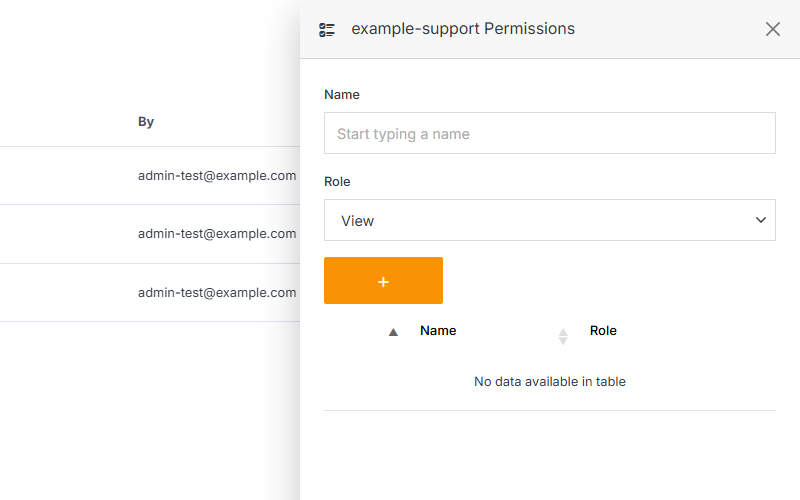
Click on any of the icons under the member column in the table to add, remove, or manage user roles.
Note:
A form member can be assigned one of four roles:
- View: Allows a member to see items and content.
- Stager: Enables a member to create or modify content but not publish.
- Editor: Gives a member the ability to view, create, edit, and publish.
- Admin: Provides full editorial control and management of group members.