
Module
Insert a low-code module — a Blog, Calendar, Datatable, or other module already built for this website.

While editing a page, find the vertical icon rail on the left edge of the page canvas. Module is the fourth icon from the top.
Drag it onto an empty region of the canvas. This opens Select Module.
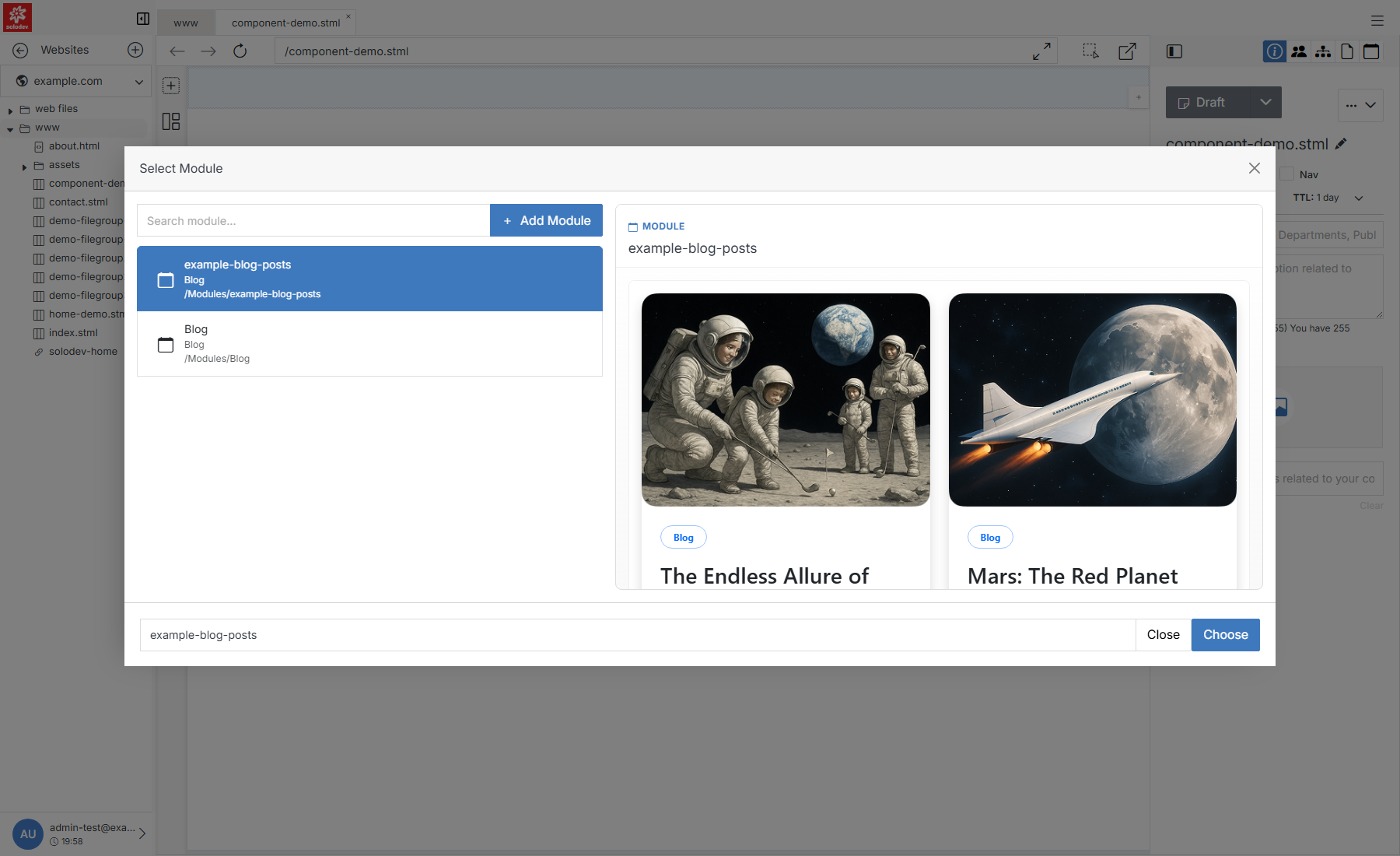
Note:
When dragging elements into the content area, make sure the Dynamic Div where you want to place the element is selected. The selected Dynamic Div will be highlighted in light blue.
Quick Add
If nothing in the list fits, click + Add Module to create one without leaving the page. This is a lighter version of the full Add Module form.
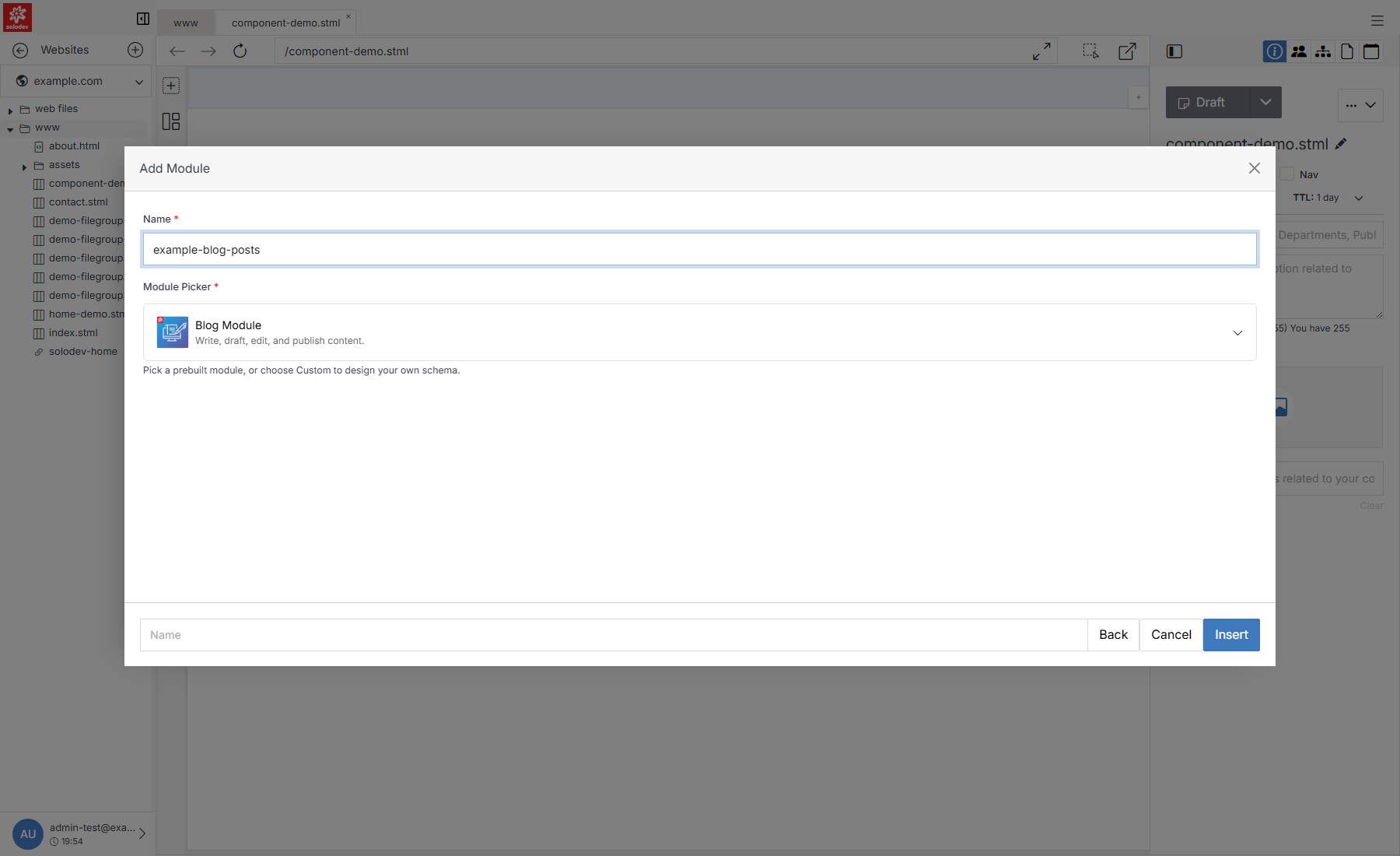
Note:
Choosing Custom Module replaces the picker with a full schema builder — a Module Template upload, AI-assisted Quick Schema Ideas, and a field-by-field Schema Builder. That's the same tool used by the standalone Add Module page; see it for the full walkthrough.